
How to bypass FRP Samsung S10 Lite
- Power ON your Samsung Galaxy S10 Lite.
- Connect your Samsung Galaxy S10 Lite mobile to your Wi-Fi and Go back to the Welcome page.
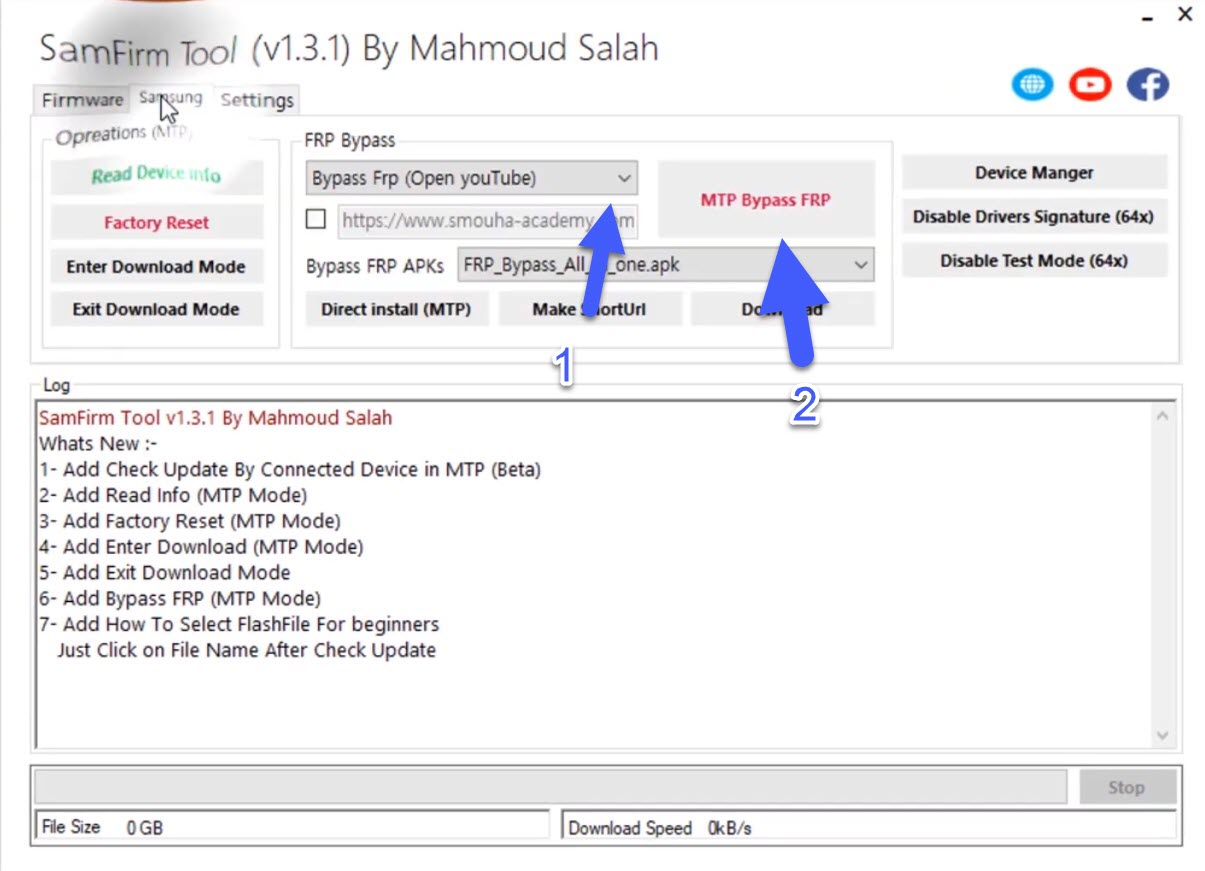
- Download the SamFirm Tool on your computer and Run SamFirm.exe

- Click on SAMSUNG tap

- Choose Bypass FRP (open youtube) to open in your Samsung Galaxy S10 Lite FRP Lock phone.
- Click on MTP BYPASS FRP.
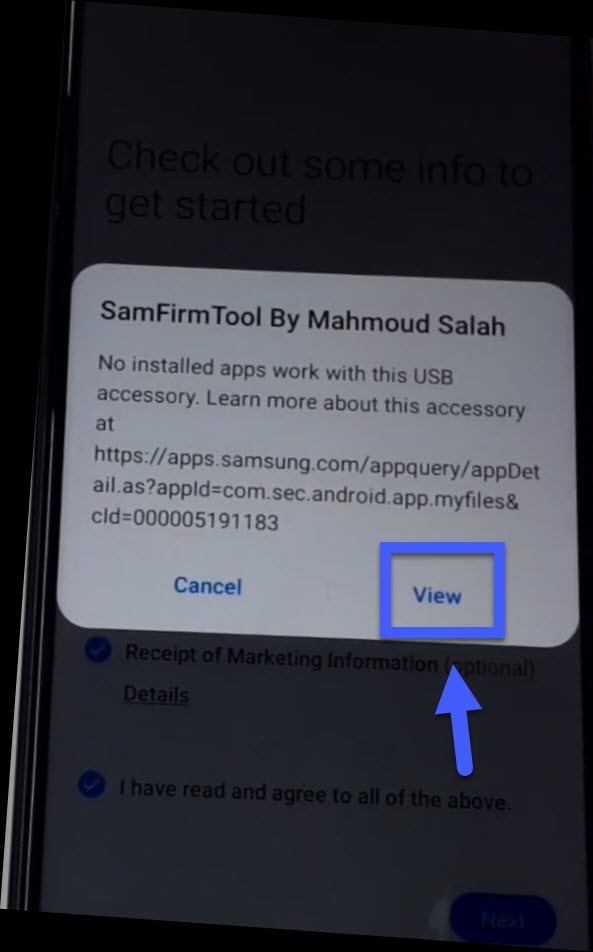
- In the Samsung S10 Lite FRP lock phone a window appears, click on VIEW.
- The Google Chrome Browser opens automatically.
- Go to this link and tap on Click to Open Setting for Samsung:

- Setting >> Accounts and backup >> Bring data from old device >> Download.
- Wait until the download Smart Switch finishes.

- Agree >> Allow >> Received data.

- Galaxy/Android >> Cable.

- On the other phone go to Setting >> Accounts and backup >> Accounts.

- Add account >> Google >> Sign in with your Gmail address & confirm.

- Install and Open the Smart Switch app on the open phone.
- Send data >> Cable >> Connect the FRP Samsung S10 Lite phone with to open phone via OTG cable.

- Click Allow on both phones.
- Swipe up the FRP Samsung S10 Lite phone to see more.

- Check the Settings + Home screen then click on Transfer
- In the open phone click on COPY.

- In the FRP Samsung S10 Lite phone Sign in with the same Google account that you sign in in the open phone then wait until the copying is done.
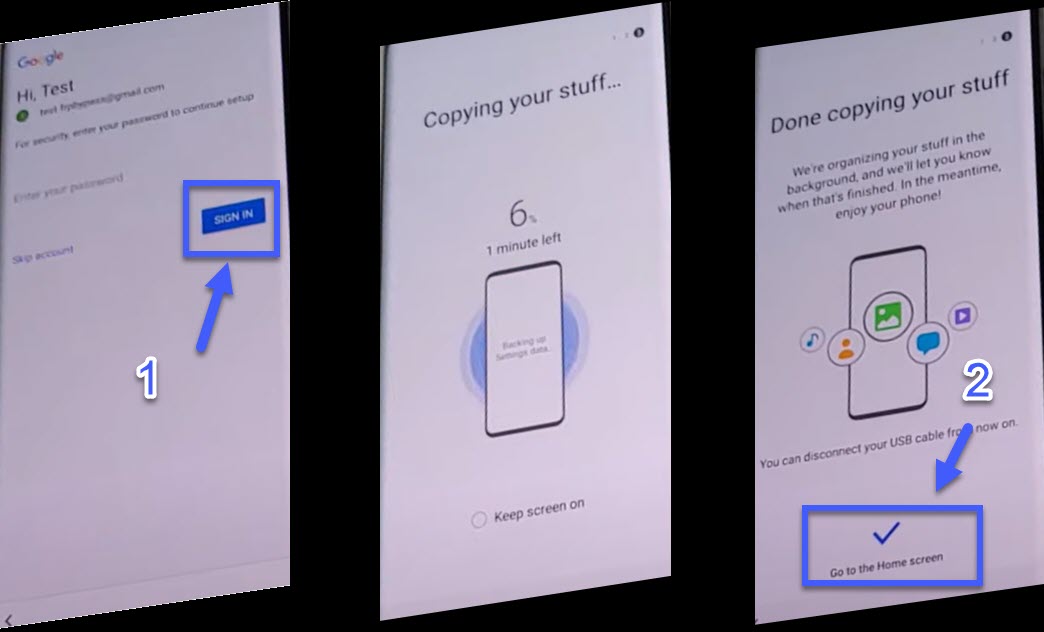
- Finally! Don’t restart your Samsung S10 Lite device and go back until the Welcome page.

- You have successfully Unlock FRP Samsung S10 Lite Android 11 Google lock Remove 2021